- Failed to log in. Log in or create account
- My Profile Log out
-
Close
- Tournaments
Update 2.0: Explore the New Garage
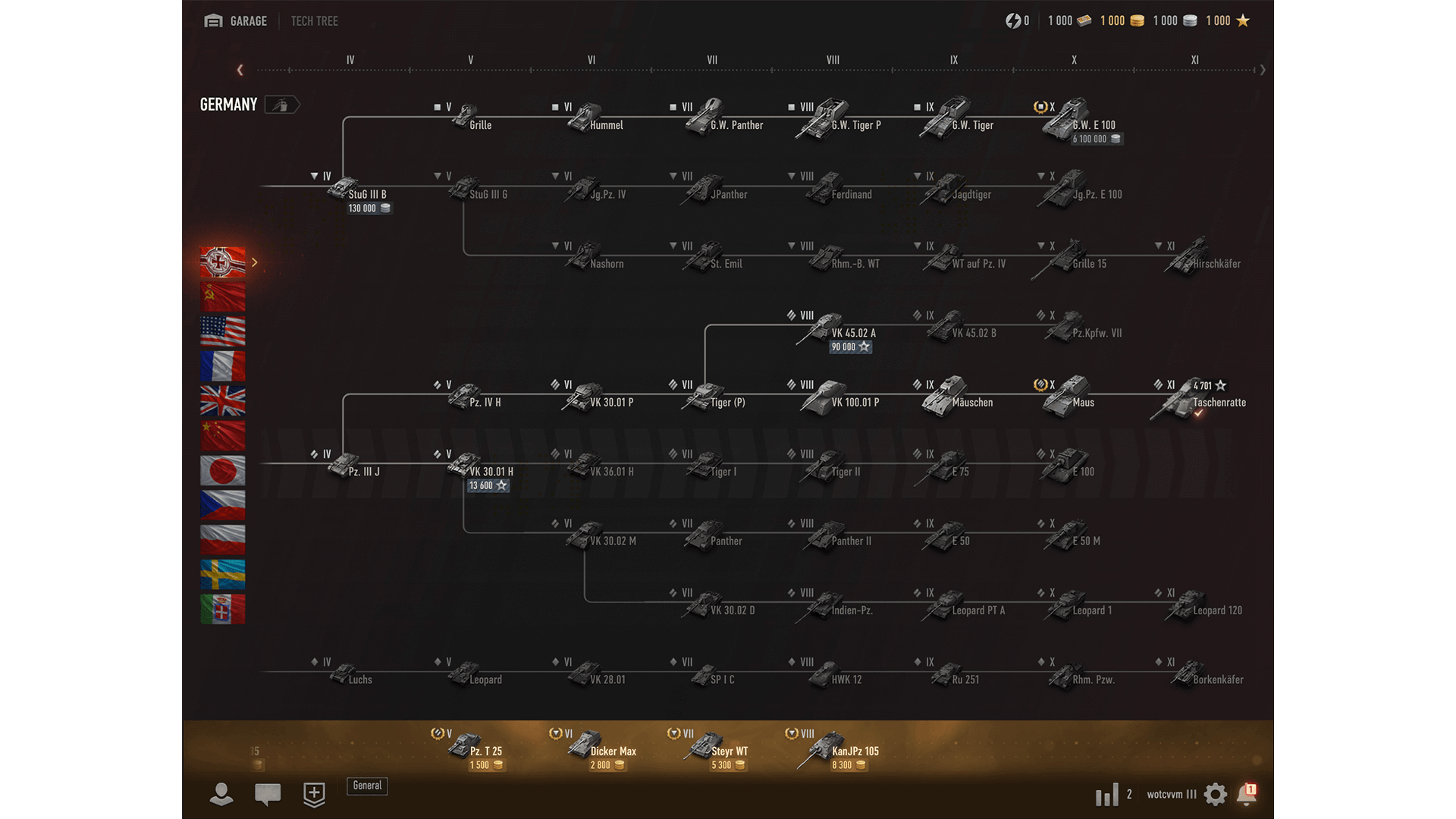
The Garage is a core part of the World of Tanks experience. For Update 2.0, we've implemented modern UI solutions while keeping the feel of the original Garage. The result is something fresh and more intuitive.

Meet the New Garage

A New Way to Organize
The "My Vehicles" screen gives you new ways to sort your tanks how you'd like by making playlists—unique groupings that you can label and organize however you want! Make a playlist for your favorite low tiers, your referral tanks, the Tech Tree vehicles you're currently grinding, or anything else you can think of.
Plus, you can share playlists with your friends! Anyone can copy and import your playlist to their Garage, giving you an efficient new way to set up Platoons.
Learn More About Every Vehicle
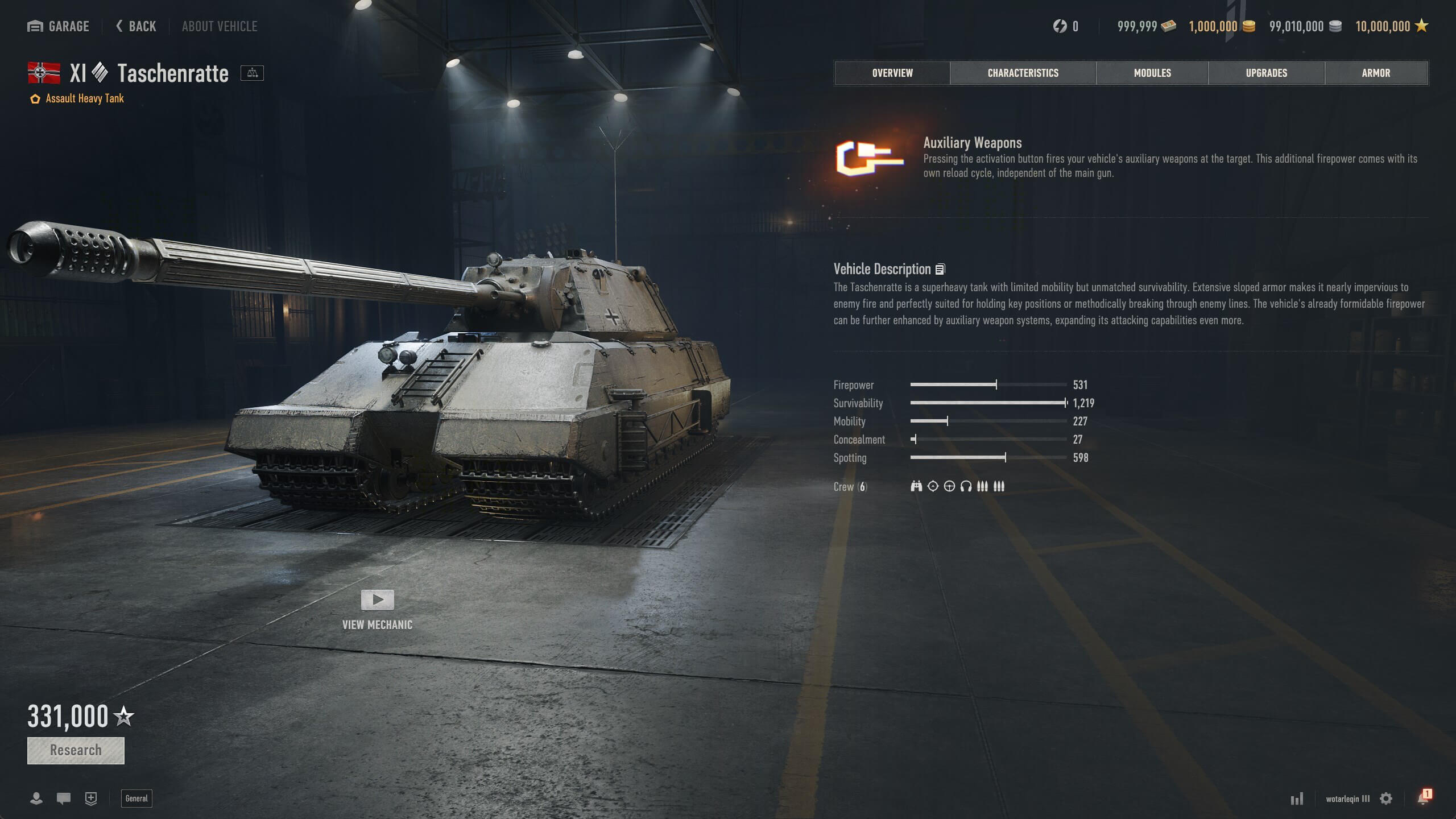
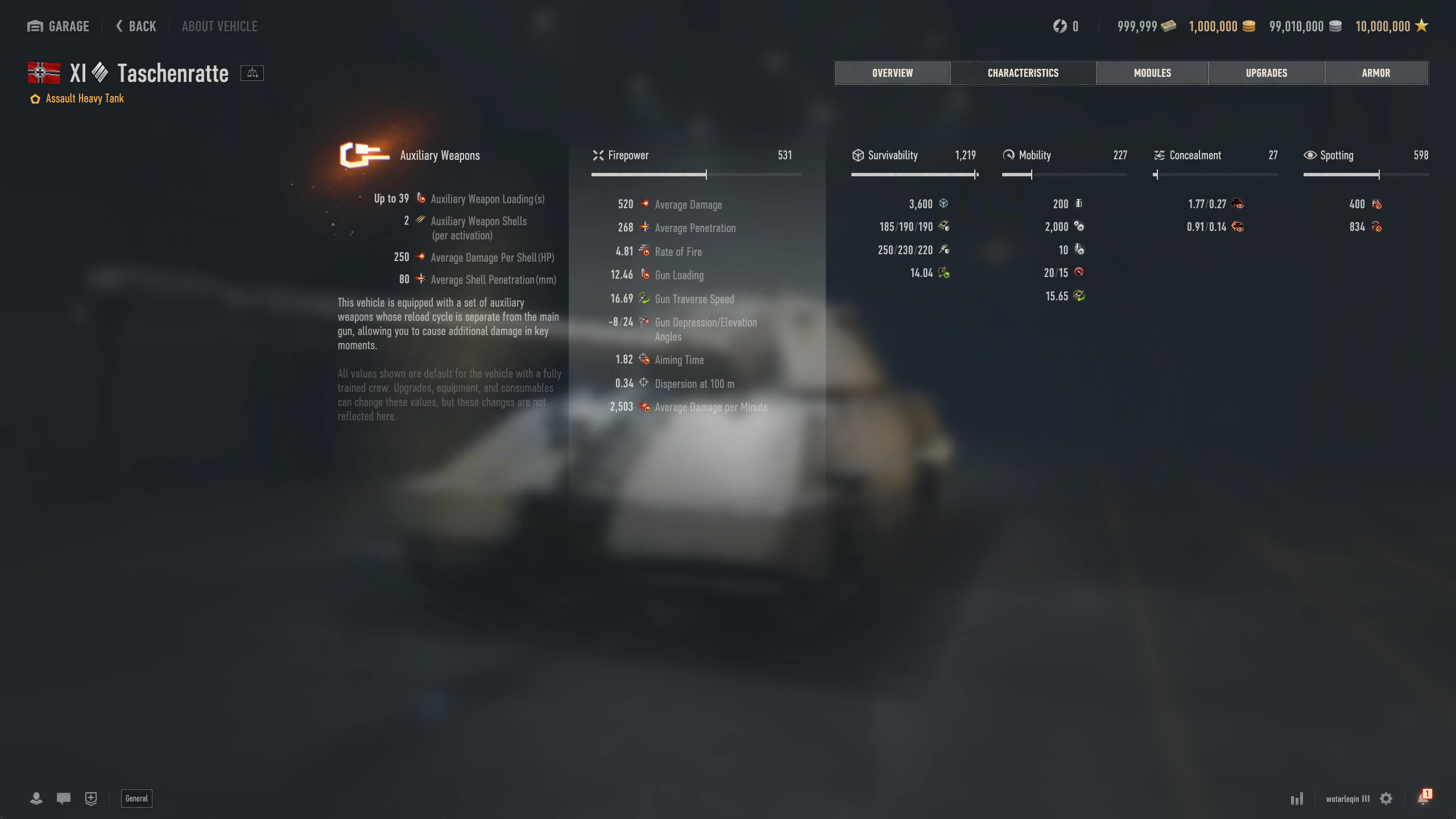
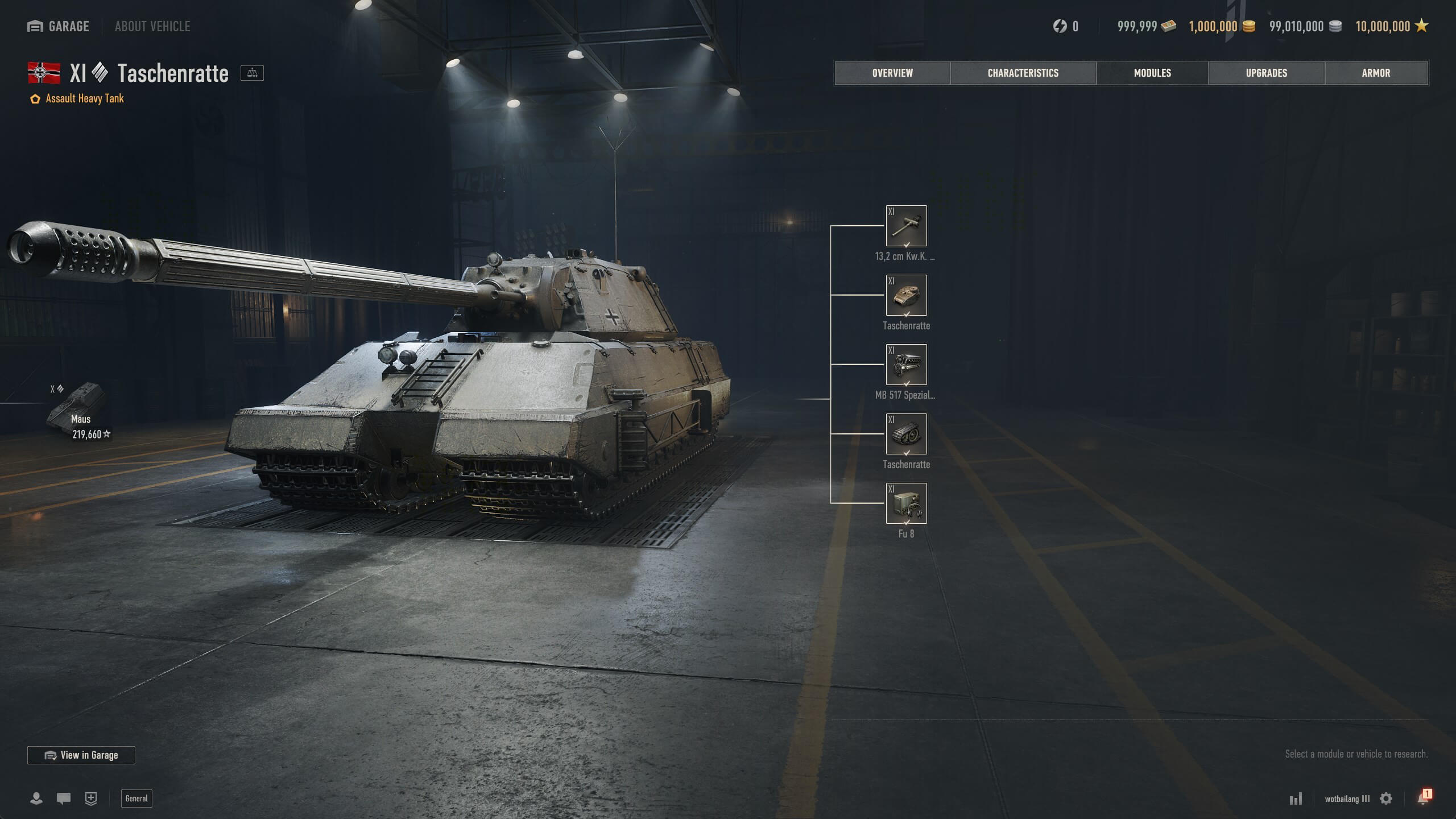
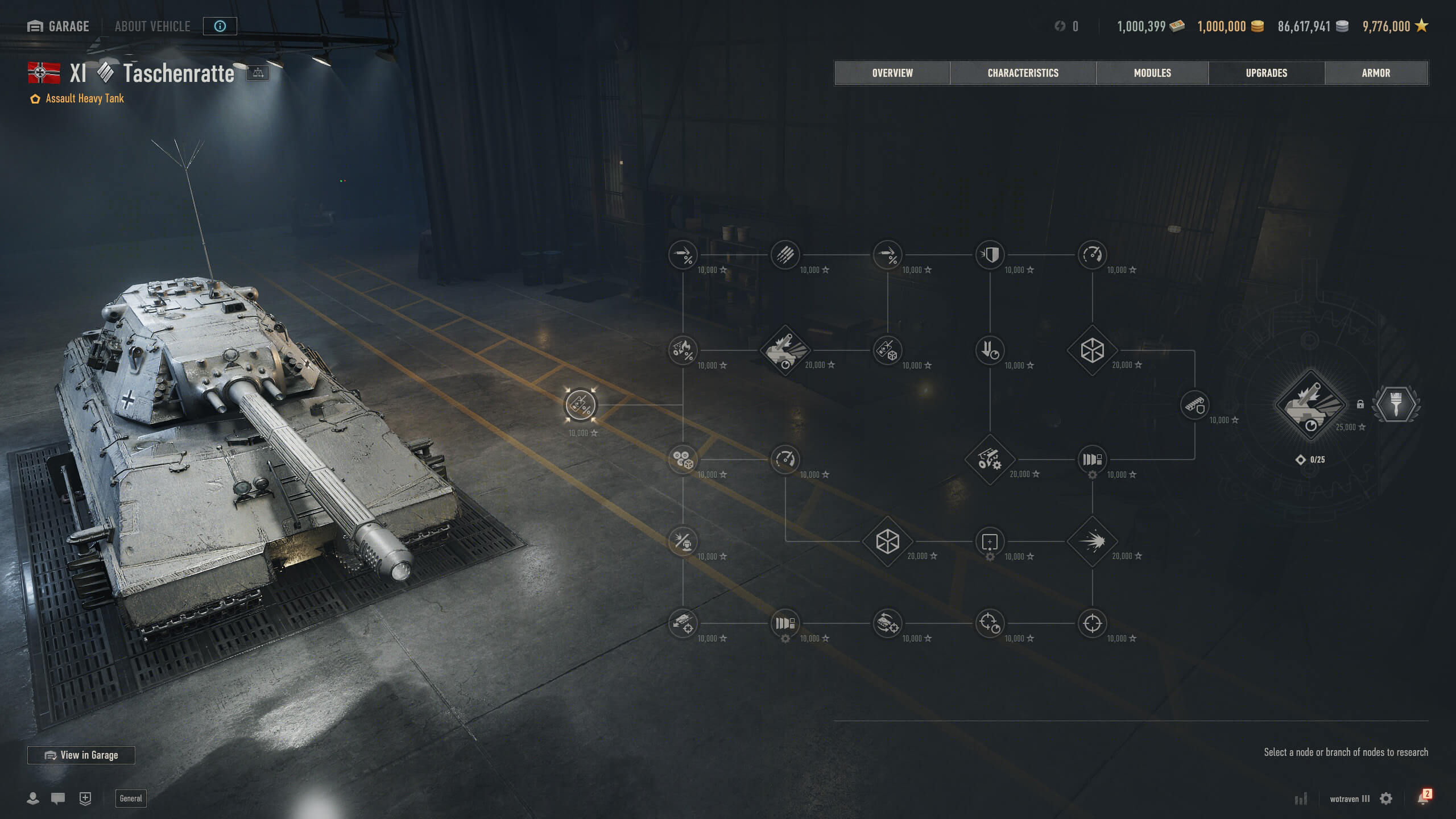
Get all of the information you need on every vehicle in the game, whether you own it or not, with the new "About Vehicle" section. It lets you dive into a tank's characteristics, modules, upgrades, and even its armor with the brand-new Armor Inspector.
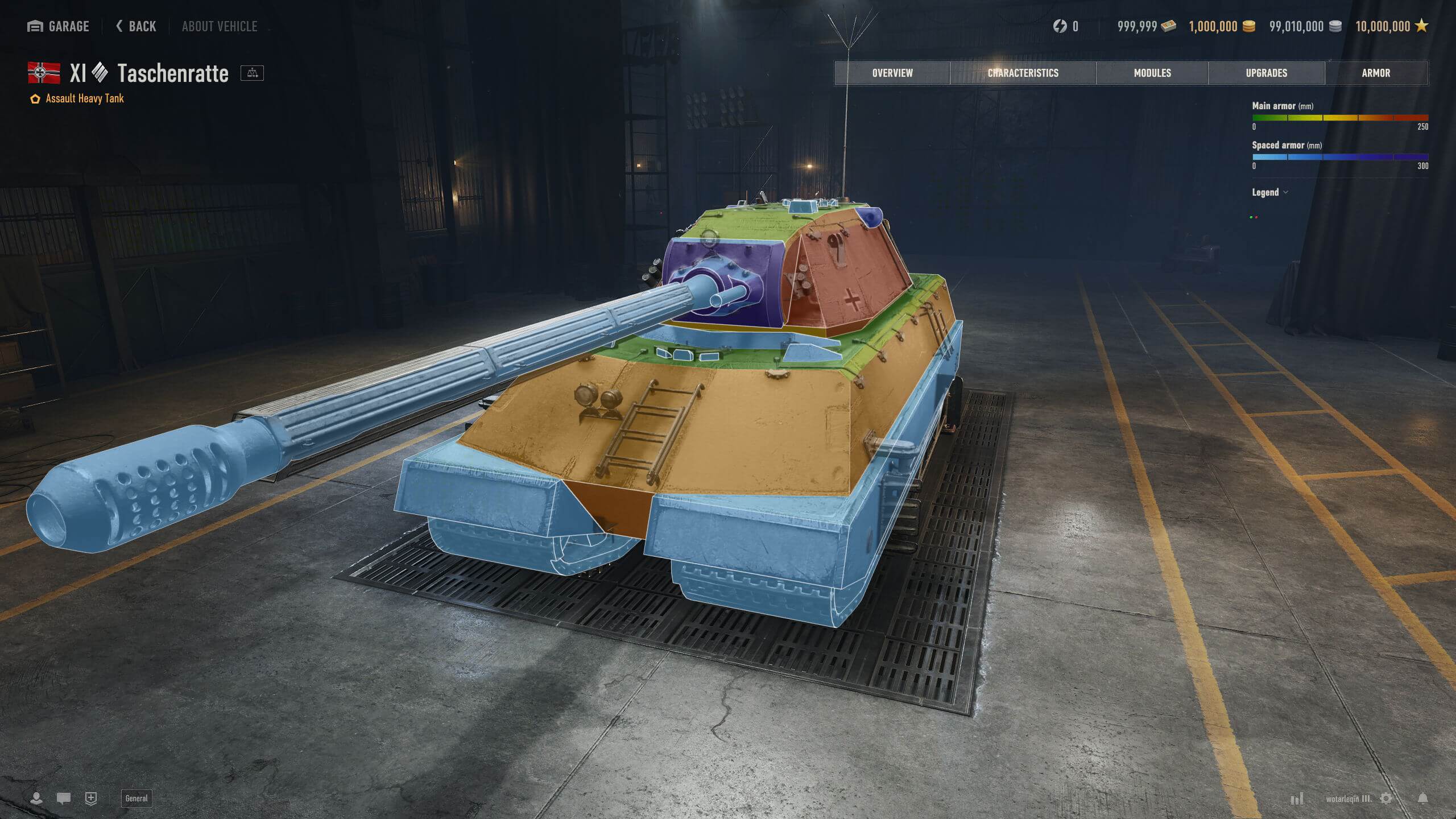
Meet the Armor Inspector
The new Garage comes with a much-requested feature: The Armor Inspector. Bringing fantastic new utility to your battle preparations, you can check any vehicle in the game, without needing to own it, for its nominal and effective armor (view effective armor by hovering over with your mouse), impact angles, and more—all visualized using the exact collision models from the server. This exciting new feature provides knowledge to help you gain the upper hand against your opponents, and we'll continue to improve it based on your feedback.
Interface Overhaul
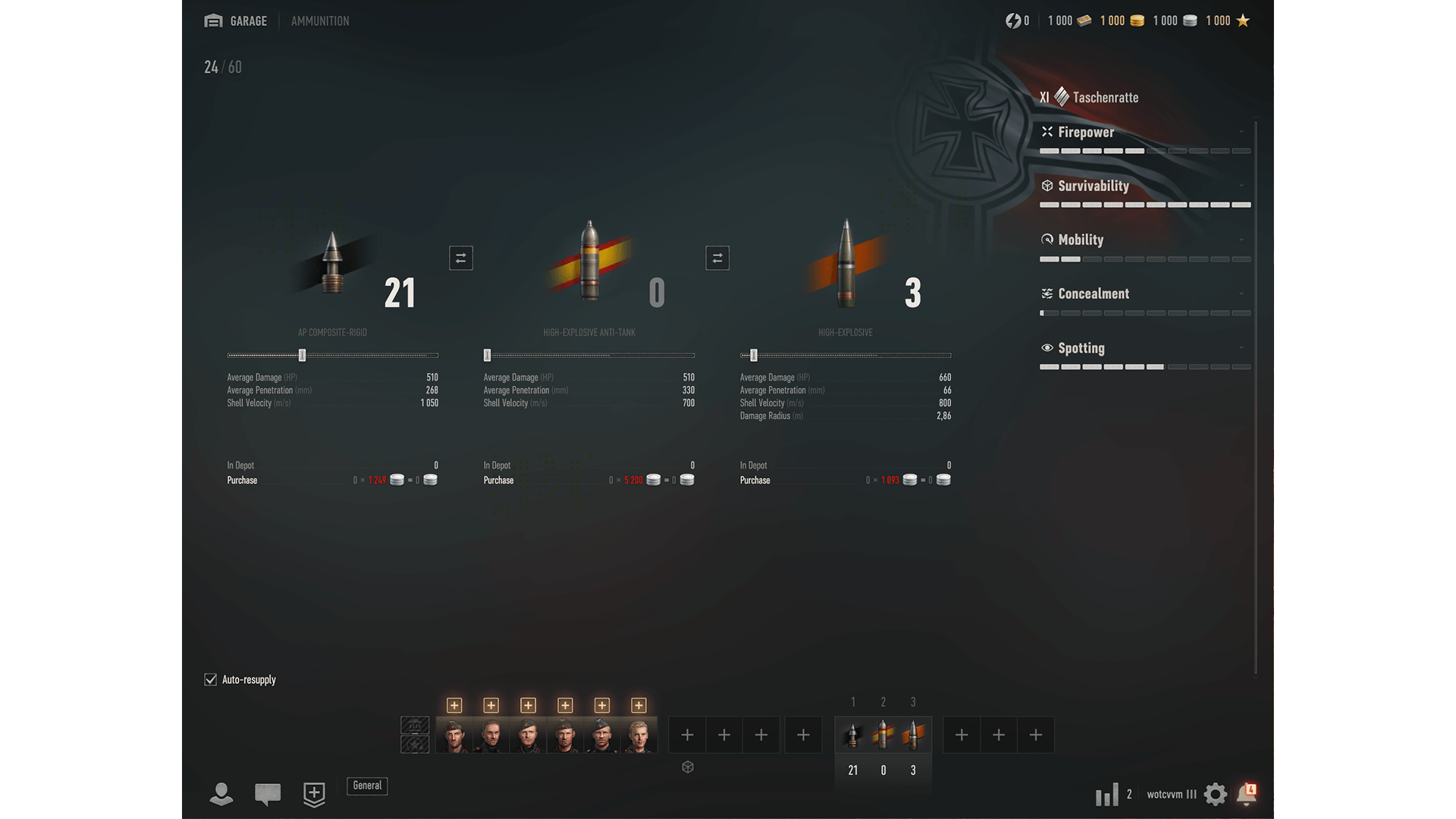
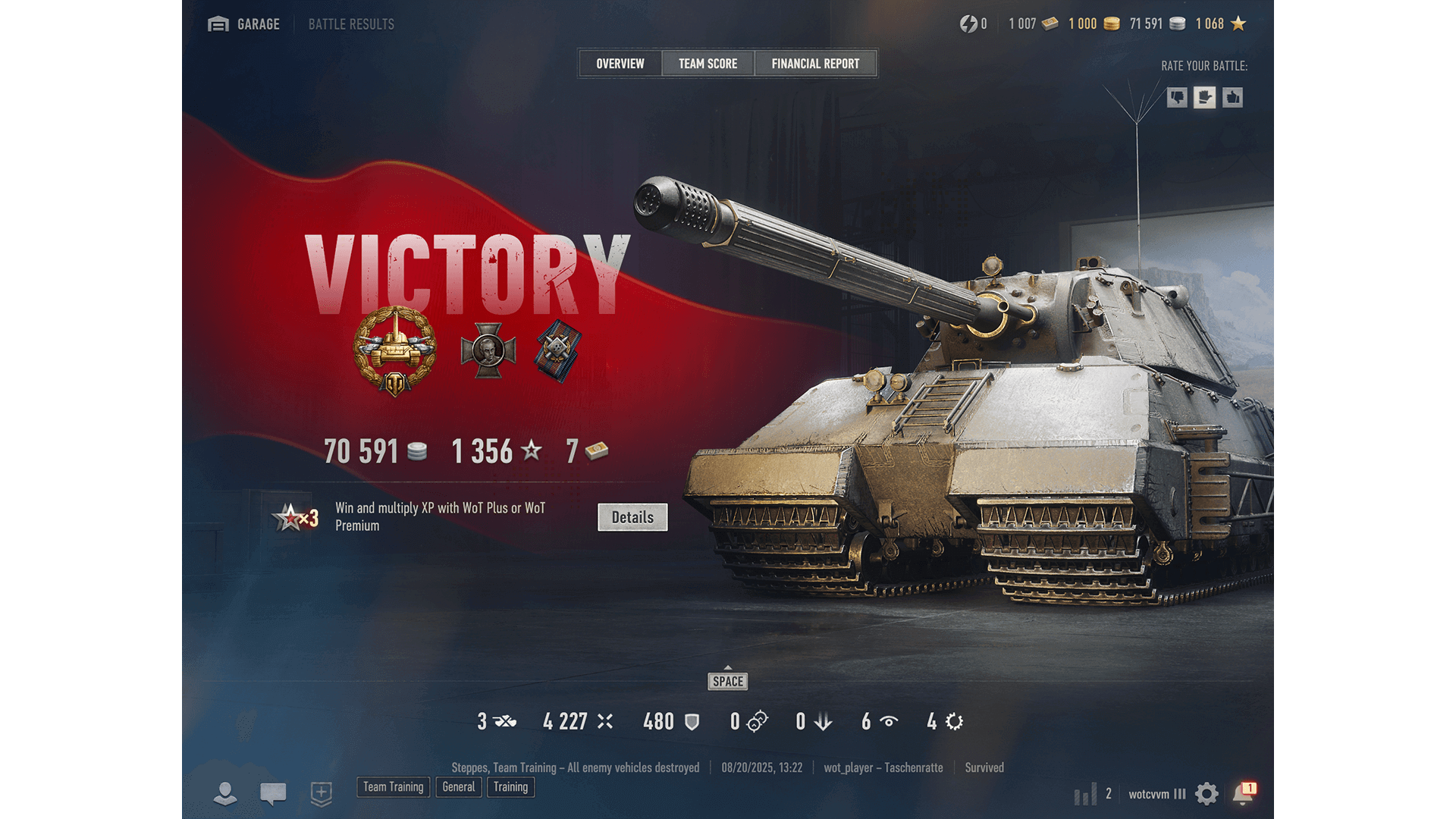
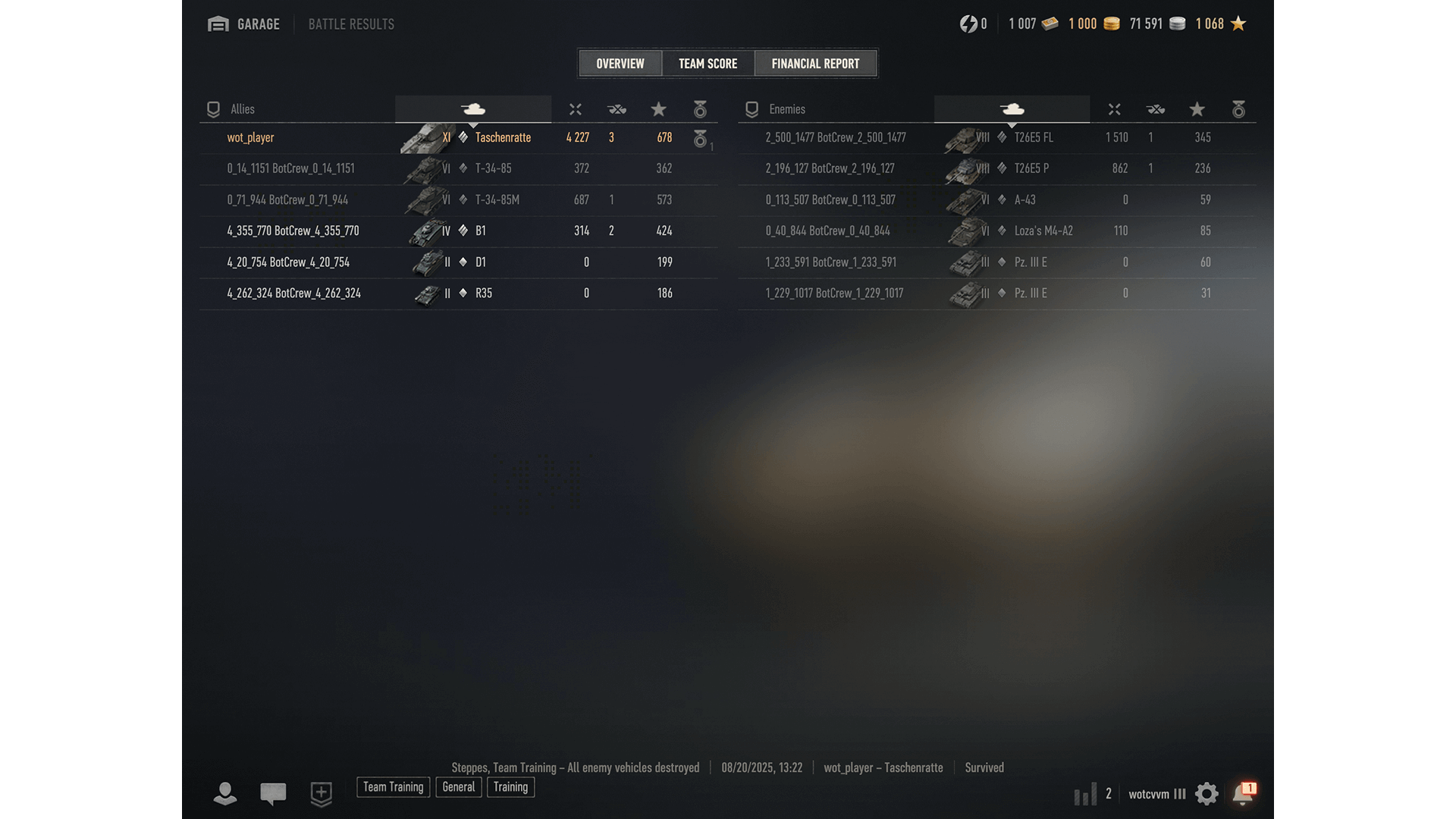
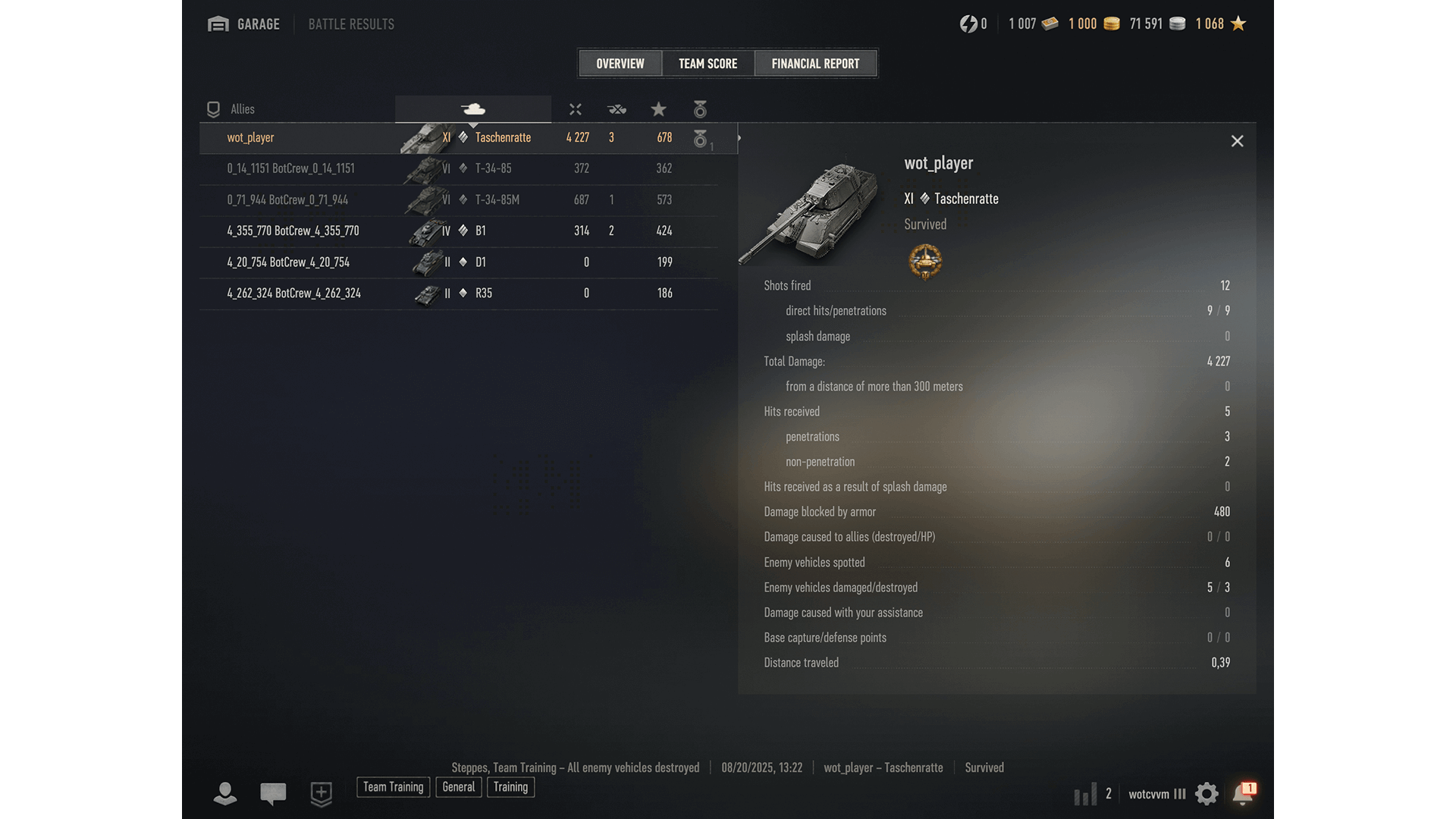
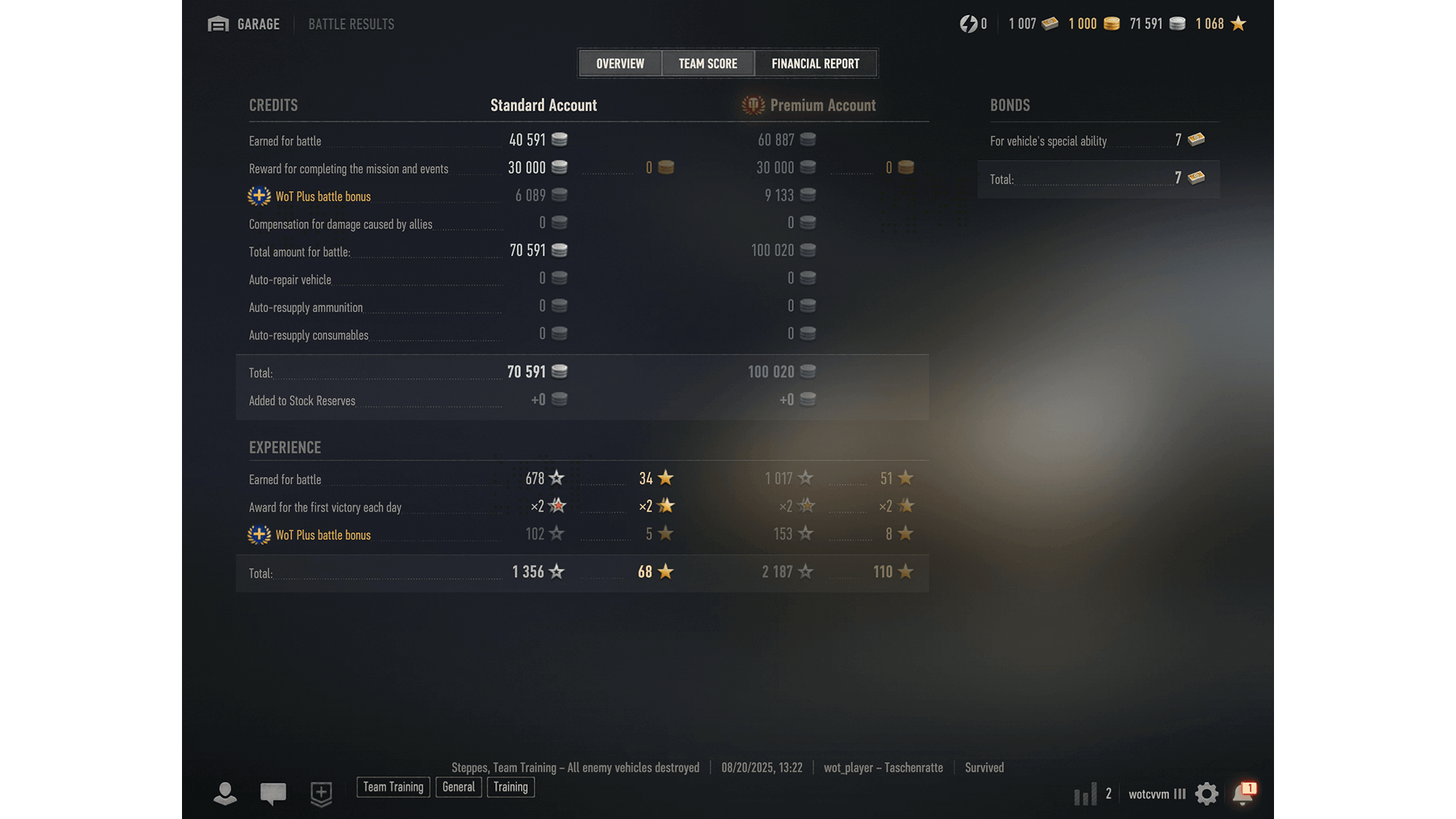
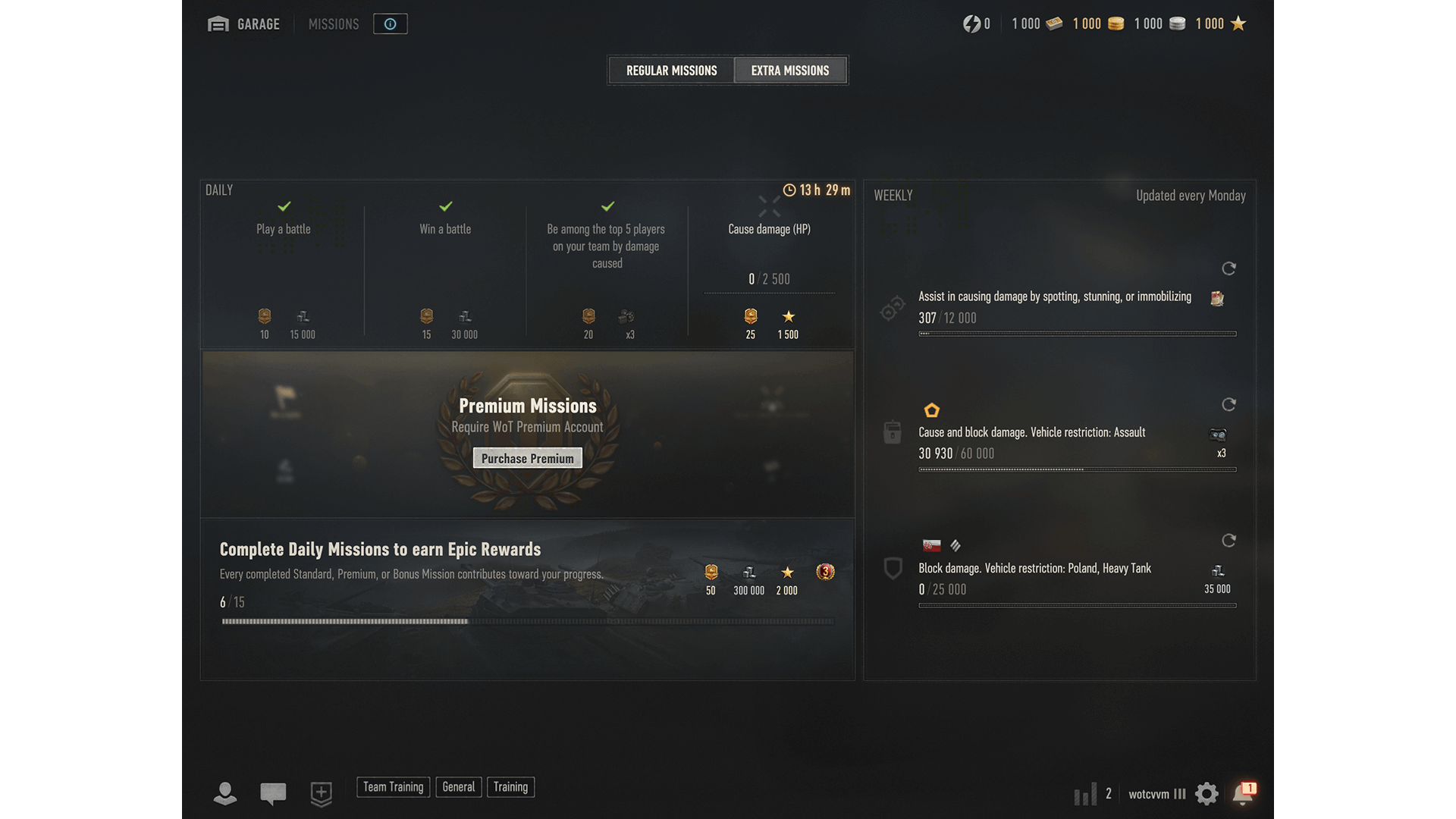
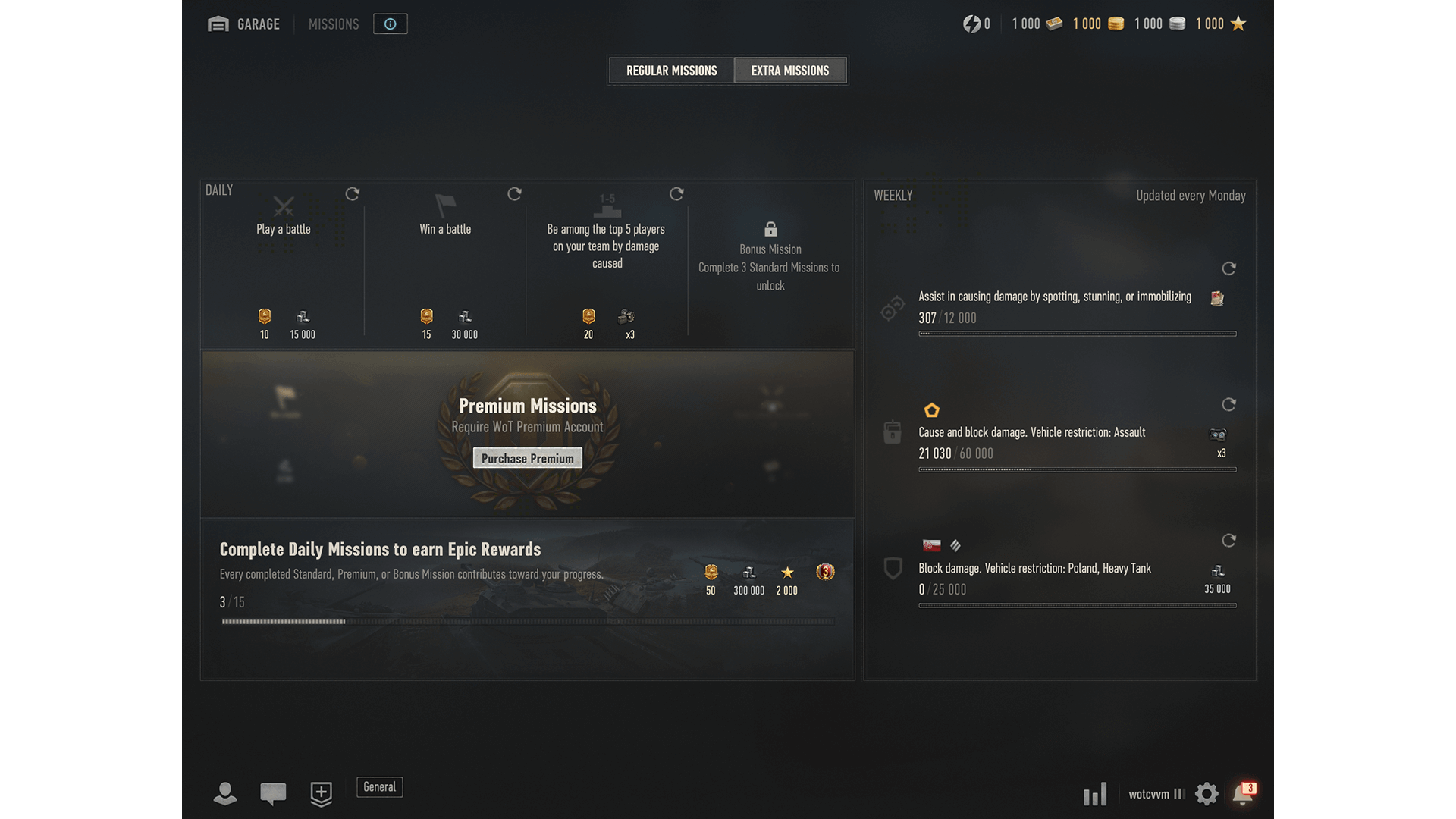
Discover World of Tanks 2.0
Explore everything that's coming in the biggest update in World of Tanks history!
2.0 Hub: Get an overview of all the new features, including Tier XI, the updated matchmaker, vehicle rebalances, and more.
2.0 Operations Room: Unlock missions, earn exclusive rewards, and generate your own personalized battle legacy video.
This product is not licensed, endorsed, and/or affiliated with any branch of federal, state, and/or sovereign government, or any military branch or service thereof, throughout the world. All trademarks and trademark rights pertaining to military vehicles are proprietary to the respective rights holders. Reference to a particular make, model, manufacturer, and/or version of any military vehicle is for historical accuracy only, and does not indicate any sponsorship or endorsement of any trademark owner whatsoever. Characteristics of all models are realistically reproduced on the basis of technical elements of military vehicles from the 20th century. All trademarks and trademark rights pertaining to military vehicles are proprietary to the respective rights holders.
© 2009–2026 Wargaming.net All rights reserved.